
SharePoint migration is a key move for companies aiming to enhance teamwork, document handling, and operational effectiveness. No matter if it is migrating from an older SharePoint version, upgrading to SharePoint Online, or transferring data from another platform, the migration process will need thorough planning and implementation.
But numerous companies commit mistakes in their migration which they could have easily avoided and these mistakes might cause data loss downtime security breaches, and dissatisfaction among users. Knowing these common mistakes will help guarantee a smooth and effective SharePoint migration service.
Why SharePoint Migration Planning Matters
From a business perspective, a successful SharePoint migration results in increased business efficiency and productivity as well as delivering improved access to your data and supporting collaboration. If poorly planned, a SharePoint migration can cause business disruption and the growth of technical issues.
Primary areas of focus when SharePoint Online migration: Strategy, Security and testing before data migration.
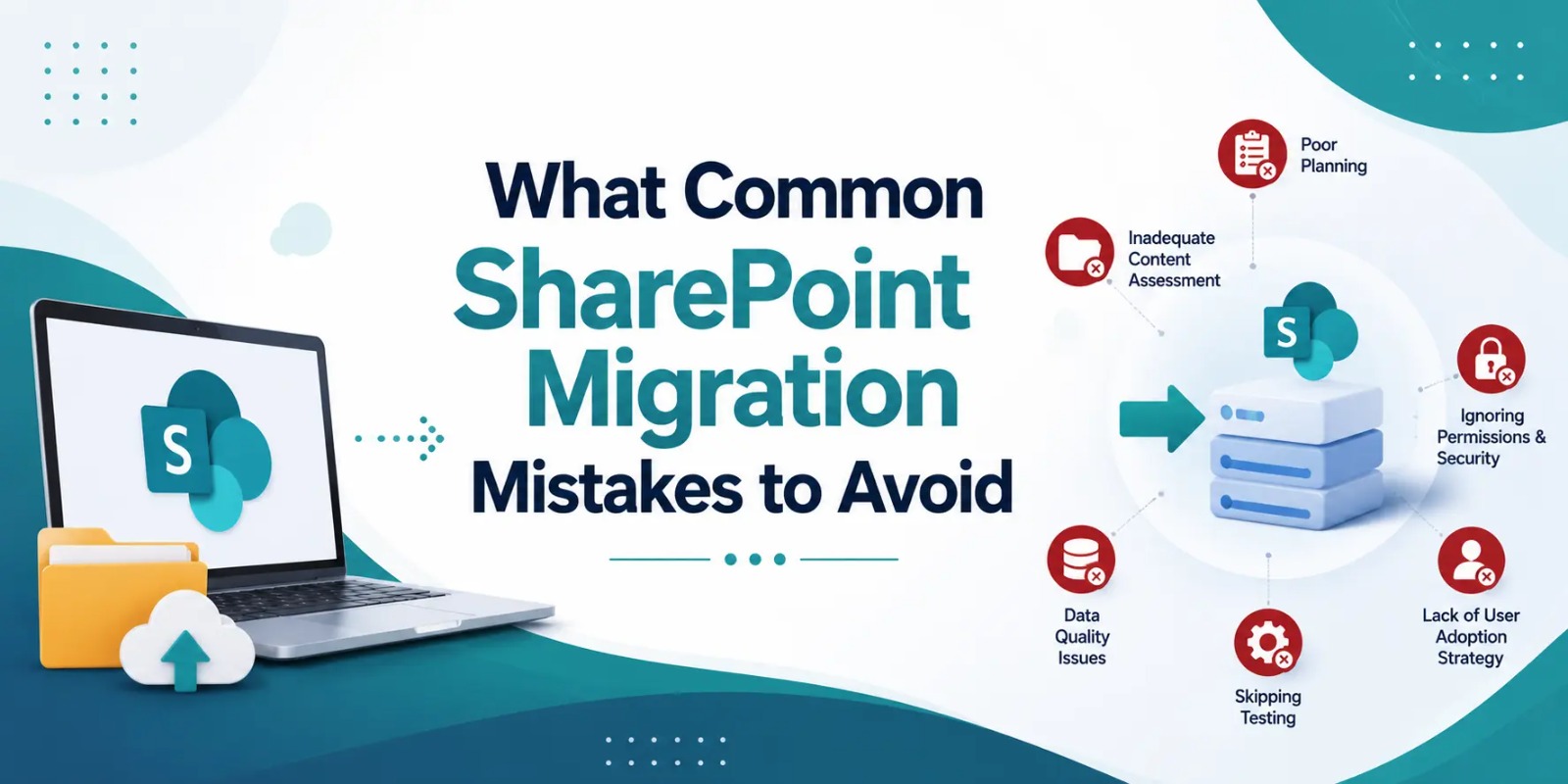
Common SharePoint Migration Mistakes to Avoid
1. Lack of Proper Migration Planning
The biggest mistake that companies usually make is to initiate migration without a plan. But, a migration strategy is necessary for setting timelines objectives content mapping, and risk management.
Besides the mentioned points, your migration strategy should also be inclusive of:
-
Data assessment
-
Migration tools
-
User permissions
-
Backup planning
-
Downtime management
By conducting proper planning, the probability of facing the technical hiccups during SharePoint data migration will be minimized.
2. Migrating Unnecessary Data
Generally, firms move their obsolete, duplicate or irrelevant files. This not only increases their storage costs but also prolongs their migration process.
Before migration you should:
-
Remove duplicate files
-
Archive old documents
-
Delete unnecessary content
-
Organize folders properly
Having a clean SharePoint document management structure is one of the great ways to enhance system performance and user experience.
3. Ignoring Security and Permissions
Unmonitored user permissions is one of the ways exposed-protected-business-information happens. While migrating SharePoint cloud, the business should tighten access controls and security settings.
Security checks should include:
-
User role verification
-
Permission mapping
-
Compliance requirements
-
Data protection policies
Keeping up with the good security practices is the key to the safety of the confidential business data.
4. Not Testing the Migration Process
Skipping the consideration of the migration testing can lead you to broken files, lost data, or errors in functionalities after the actual deployment. Testing is essentially a mechanism that can reveal issues before the final migration.
Testing should cover:
-
File accessibility
-
Workflow functionality
-
Integration checks
-
Performance testing
Always sharing a trial migration is a best practice for the companies that are in need of the SharePoint migration tools.
5. Poor User Training and Communication
There have been cases when the employees barely figured out how to use the new systems simply because they were not properly informed or trained. The absence of communication can lower the productivity and bring ambiguity after migration.
Here is how to prevent it:
-
Provide employee training
-
Share migration timelines
-
Offer technical support
-
Create user guides
Good communication is a facilitator of user adoption and minimizes the hurdles in their transition to the SharePoint Online platform.
6. Choosing the Wrong Migration Partner
An inexperienced provider is bound to create technical and operational challenges. Because of this, businesses should choose a reputable SharePoint migration company that has a proven track record and offers support services.
Present yourself with this:
-
Industry experience
-
Migration case studies
-
Technical support
-
Security expertise
Frequently Asked Questions
What is SharePoint migration?
Simply put, SharePoint migration means transferring your files documents workflows, and data from one software or SharePoint version to another.
Why do SharePoint migrations fail?
There are many reasons why a migration may not work out. Some of the top reasons include not planning the move properly, running the migration without testing, setting incorrect permissions for files/users during the move, and not training users adequately.
How long does SharePoint migration take?
The length of migration varies based on the amount of data, the complexity, and the number of system integrations. Small sharepoint migration projects may only take a few days whereas huge migrations may require weeks.
Is SharePoint Online better for businesses?
Really, SharePoint Online offers the advantage of being accessible from anywhere thanks to its cloud nature. Besides that, it offers enhanced collaboration capabilities, automatic updates without the need of user intervention, and high level of security making it the preferred choice for most businesses nowadays.
Conclusion
A well-executed Microsoft SharePoint migration will surely boost collaboration productivity document management. But if you just jump into it and, for example, don’t plan properly, migrate lots of unnecessary data, forget about security, or don’t do any testing, you’ll definitely end up with some big problems.
But, if you follow the recommendations and collaborate with the experts in SharePoint migration, your business will be guaranteed a safe and even migration. Besides that, you should also train your staff on the new platform to make the most of moving to SharePoint Online.