Managing all your leads, following up on specific dates, and responding to customer enquiries in time is a challenge for most businesses. Call blocks, emails that never get sent, and being unaware of customer needs can cause lost sales.
CRM (Customer Relationship Management) software helps businesses organize customer information, track interactions, automate reminders, and manage sales activities from one platform. By using CRM software effectively, businesses can improve follow-up consistency, build stronger customer relationships, and increase the chances of converting leads into customers.
What Is CRM Software and Why Are Sales Follow-Ups Important?
CRM software is a set of solutions that helps organizations organize customer information leads sales opportunities and record of communication. This technology enables sales teams to know at what stage of the buying process a certain prospect is and what to do next.
Follow ups with sales customers always have questions, need product demos, and don’t buy immediately, so following up helps you answer their questions and stay connected with them.
Without a system, salespeople can forget to call customers back or lose detail on what has been discussed previously. CRM software can eliminate this frustration by storing customer information and follow-up efforts.
1. Organize All Leads in One Centralized Platform
One of the most effective ways to improve your sales follow-up is to keep all potential customer information in a centralized database.
If lead information is in multiple spreadsheets, emails, and office notebooks, your sales team could be wasting valuable time trying to find the latest or the most accurate information. CRM software can help with storing things like: customer name, contact details, enquiry sources, previous contact history, and sales status.
By having a single platform, your sales team will be able to easily locate the leads that need follow-up and review previous conversations before reaching out to prospects.
Say a sales team employee receives a form enquiry on your website about your service, they can enter the enquiry in the CRM and plan the next action. This way you are supporting each potential customer to get the customer service they need.
2. Automate Follow-Up Reminders
Follow up on your sales reps is a challenge when they work with several leads. What comes next up feature is offered by the CRM software as a solution for this problem.
Sales reps can leave reminders for calls emails product demos, and meetings. Some CRMs enable the user to create automatic notifications that inform employees when a follow-up is required, given the system and how it is configured.
It minimizes the risk of losing track of important discussions and focuses sales teams to concentrate on daily tasks.
For instance, if you talk to an individual on Monday who would make a great client, the representative can then set up a reminder for an appointment on Wednesday, and the CRM reminder will make it simple to accomplish that when it is time.
3. Personalize Communication With Customer Information
Follow-up messages that are generic may not be relevant to your customer. Personalising your message makes the experience more relevant and shows the prospect that you know what they need.
With CRM software, sales reps will have access to customer preferences, past enquiries, product interests, and history of communicating with the customer. Sales reps can use this information to craft relevant follow-up messages.
Say, for instance, a prospect has already asked for the prices, the second email can simply include a quotation and clear up any other queries.
Customized follow-ups allow you to continue the conversation rather than inundate prospects with the same pitch.
4. Use Automated Emails for Consistent Communication
Email automation allows sales teams to maintain regular communication without manually sending every message.
Based on the CRM, you will be able to generate email templates, schedule the emails and also automate the steps that will be taken once an activity has been performed.
For instance, when a prospect fills in a form on an enquiry page, automation can send an email to the prospect confirming that the message has been received. A sales rep can then contact the prospect directly for more information.
Alternatively, they may deploy appropriate email sequences to promote service updates, product releases, or reminders for meetings.
But use automation wisely. Critical conversations need to be human, and follow-up emails that are too frequent can drive away prospects. Be sure to allow opt-outs and data privacy preferences.
5. Track Leads Through the Sales Pipeline
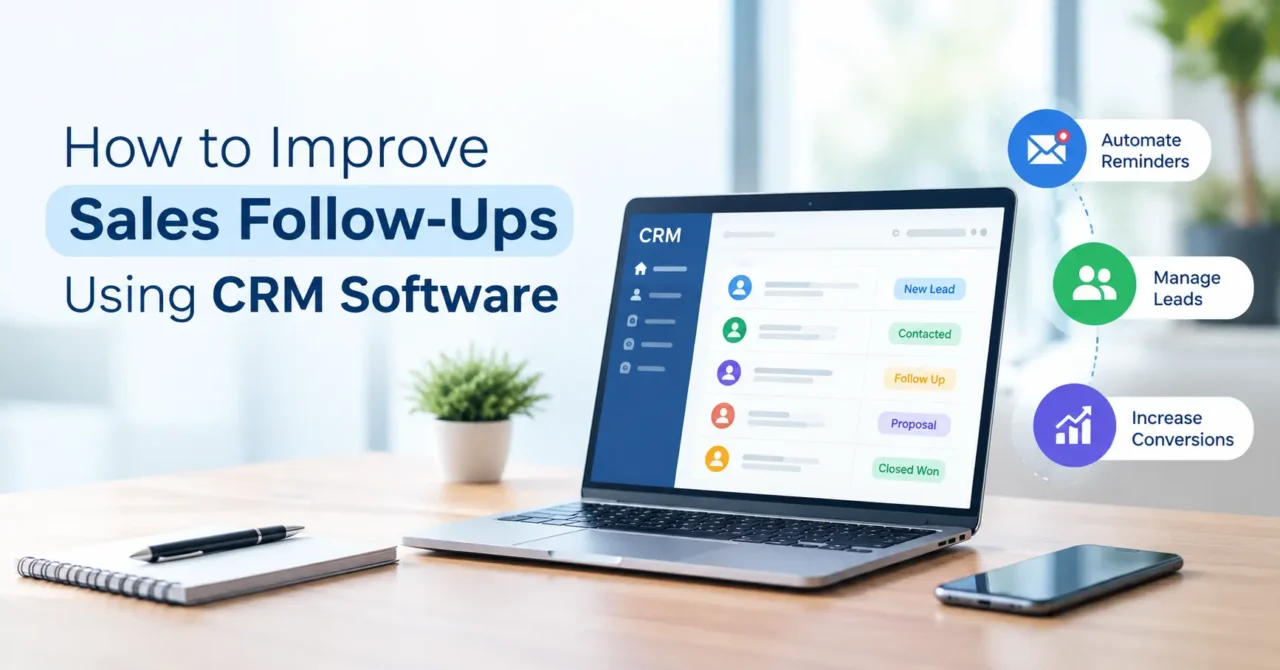
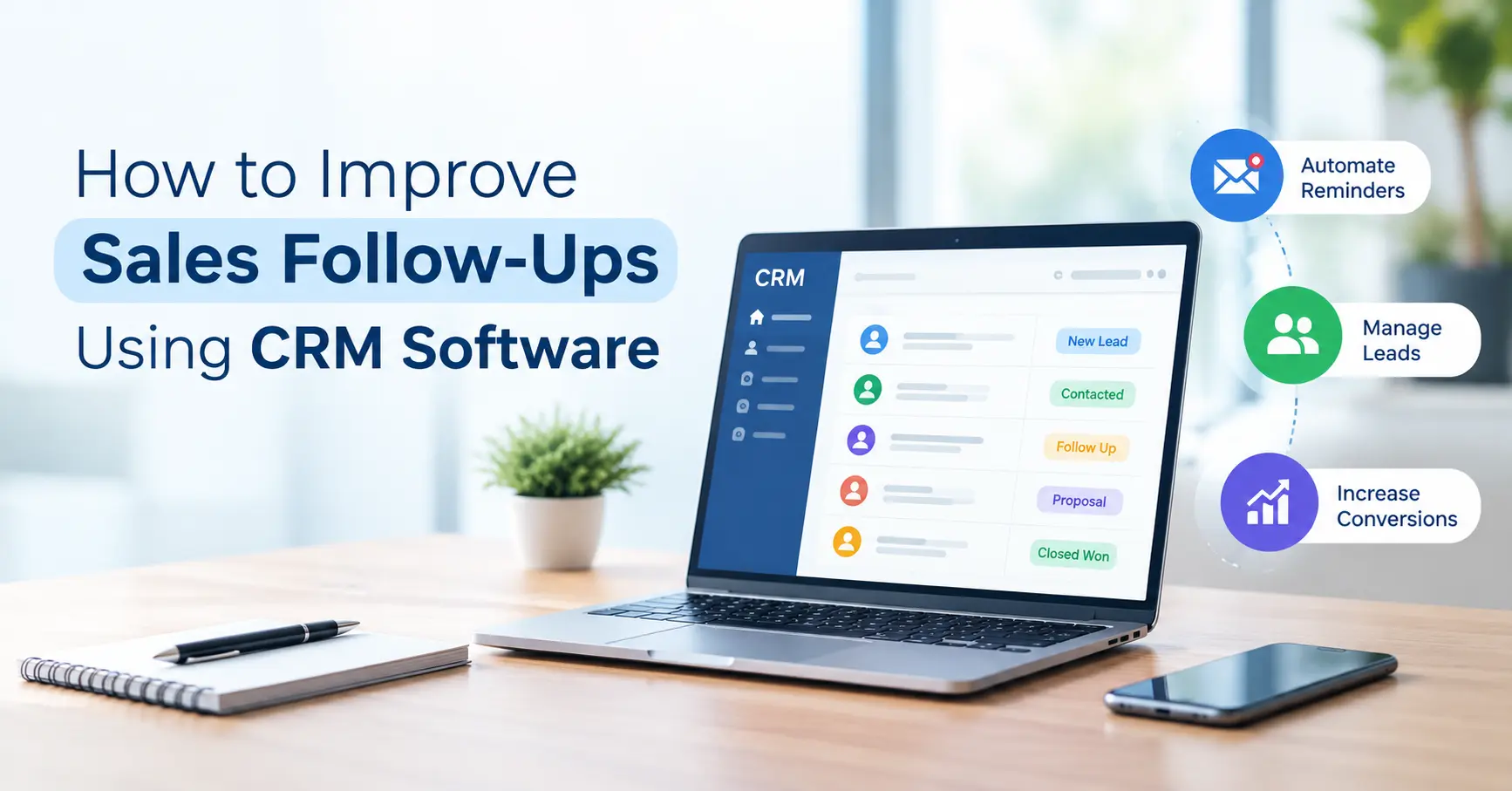
A sales pipeline shows the transition of a prospect through the different stages before becoming a customer. They are typically: new enquiry contacted qualified lead, proposal sent negotiation closed deal.
Businesses can then take their leads through these stages with CRM software.
Sales managers may spot leads that haven’t been replied to, quotes that are pending approval, or opportunities that need to be contacted.
Take the sales team, for example, if leads have been in the proposal stage longer than normal, then the sales team can go through those opportunities and make some follow-ups.
By providing insight into the pipeline, sales team members can focus on opportunities that matter most and stay better organized.
6. Focus on High-Potential Leads
Not all leads are equally interested or ready to buy. The effort to give each prospect the same amount of attention could keep salespeople from targeting their efforts where they stand the greatest chance of closing.
Many CRM solutions offer features like lead scoring, filtering, reporting, or customization that assist organizations in ranking prospects on engagement, business needs, and past interactions.
For example, a lead that has asked for a detailed price quote and scheduled a product demo may require a more urgent response than a lead that has only downloaded a general brochure.
When you’ve sorted your leads properly and carefully filtered the right prospects, your sales team can focus their time on the most valuable opportunities and still follow-up appropriately.
7. Measure Follow-Up Performance Using Reports
Making your sales follow-up work better is about knowing, which actions are actually getting results. Tracking and Analytics reports and dashboards within a CRM can enable organizations to track how they are performing and what is working (or not).
Useful metrics include:
-
Number of follow-up tasks completed
-
Average response time for new enquiries
-
Leads contacted
-
Lead-to-customer conversion
-
Remaining follow-up activities
-
Number of wins and losses in sales opportunities
Analyzing these numbers enables managers to recognize bottlenecks, evaluate the performance of the team and optimize their follow-up.
For instance, if the conversion rate increases for enquiries that get a quicker reply, the business can set response time goals and use CRM reminders to achieve them.
How Zoho CRM Can Help Improve Sales Follow-Ups
Features of Zoho CRM include lead management, workflow creation, task reminders, email integration, sales pipeline, and reporting.
Create workflows that automate appropriate tasks, develop follow-up activities, and keep track of sales opportunities. This assists teams in better organizing customer interactions.
Choosing the right set of features will also be influenced by the sales process, number of salespeople, applications, and business requirements. The key is to focus on and choose the features that matter first.
TSP Group can assist your business to discover Zoho solutions and determine the best way to manage your customer data and sales processes.
Conclusion
Regular sales follow-up keeps you in touch with existing customers and helps you turn more of your highest quality leads into customers. But tracking follow-up calls and emails manually can be time-consuming and inefficient.
These obstacles can be tackled via CRM software by centralizing the lead handling process, setting automatic reminders, creating customized messages, tracking the sales pipeline and generating reports. The right system working together with a follow-up plan can increase sales efficiency and customer satisfaction.
If automating your sales process is what you’re after, a CRM tool like Zoho CRM might be the perfect thing for creating a more structured sales process.